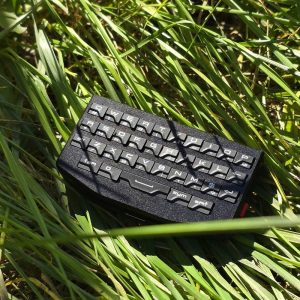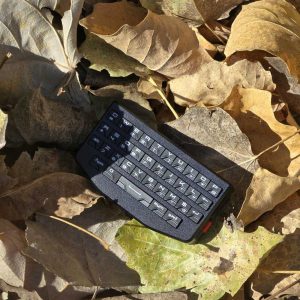
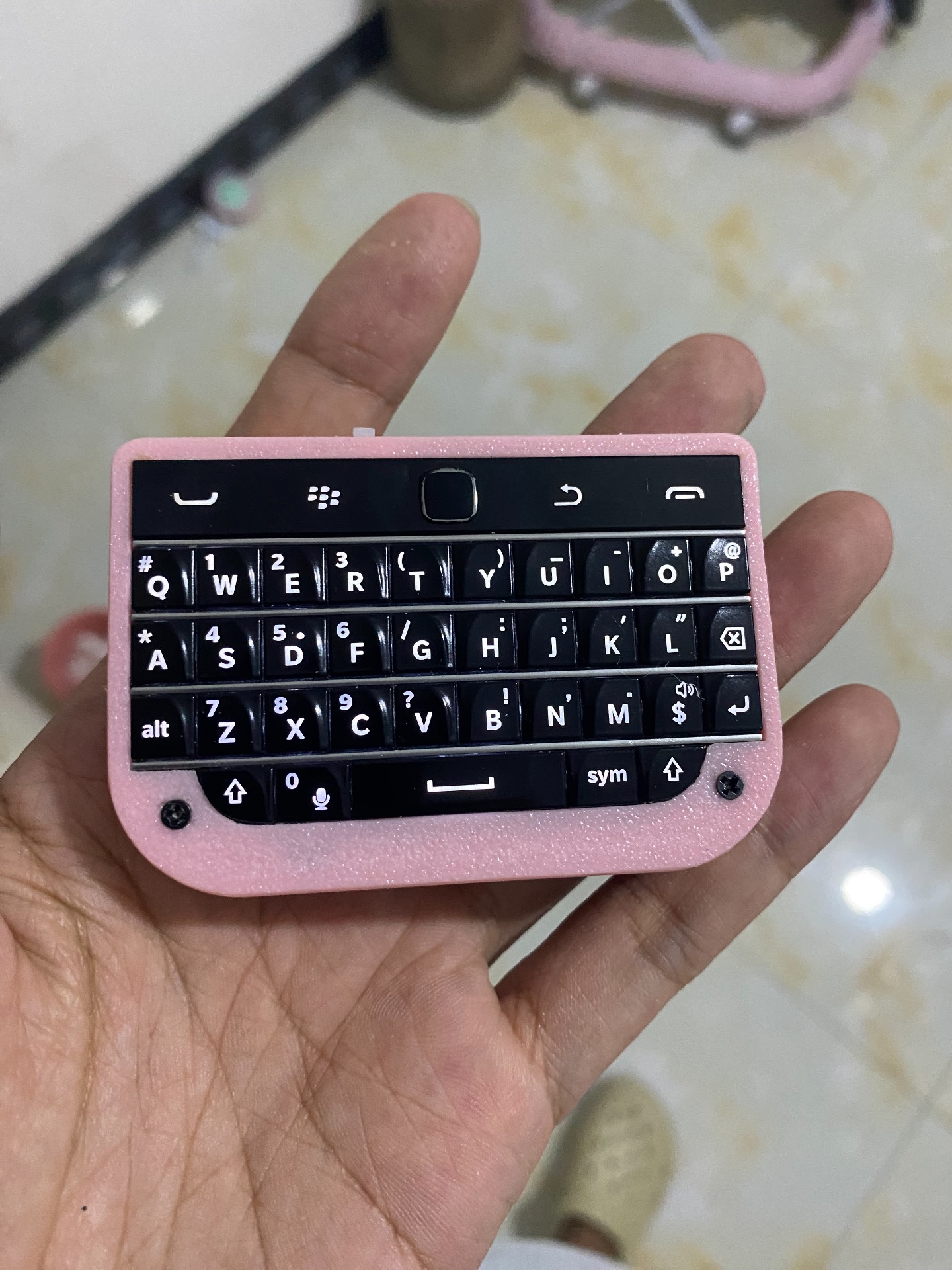
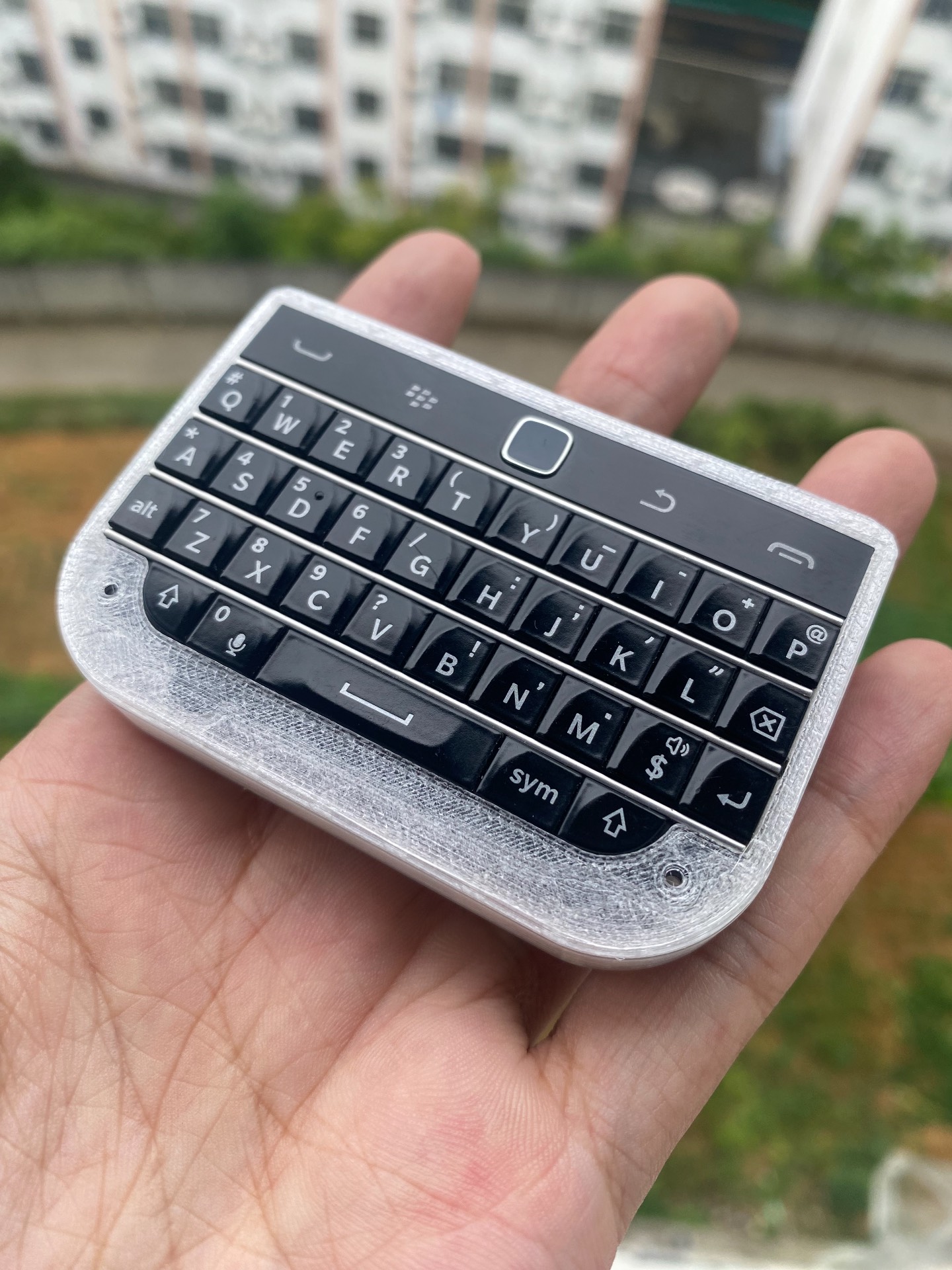
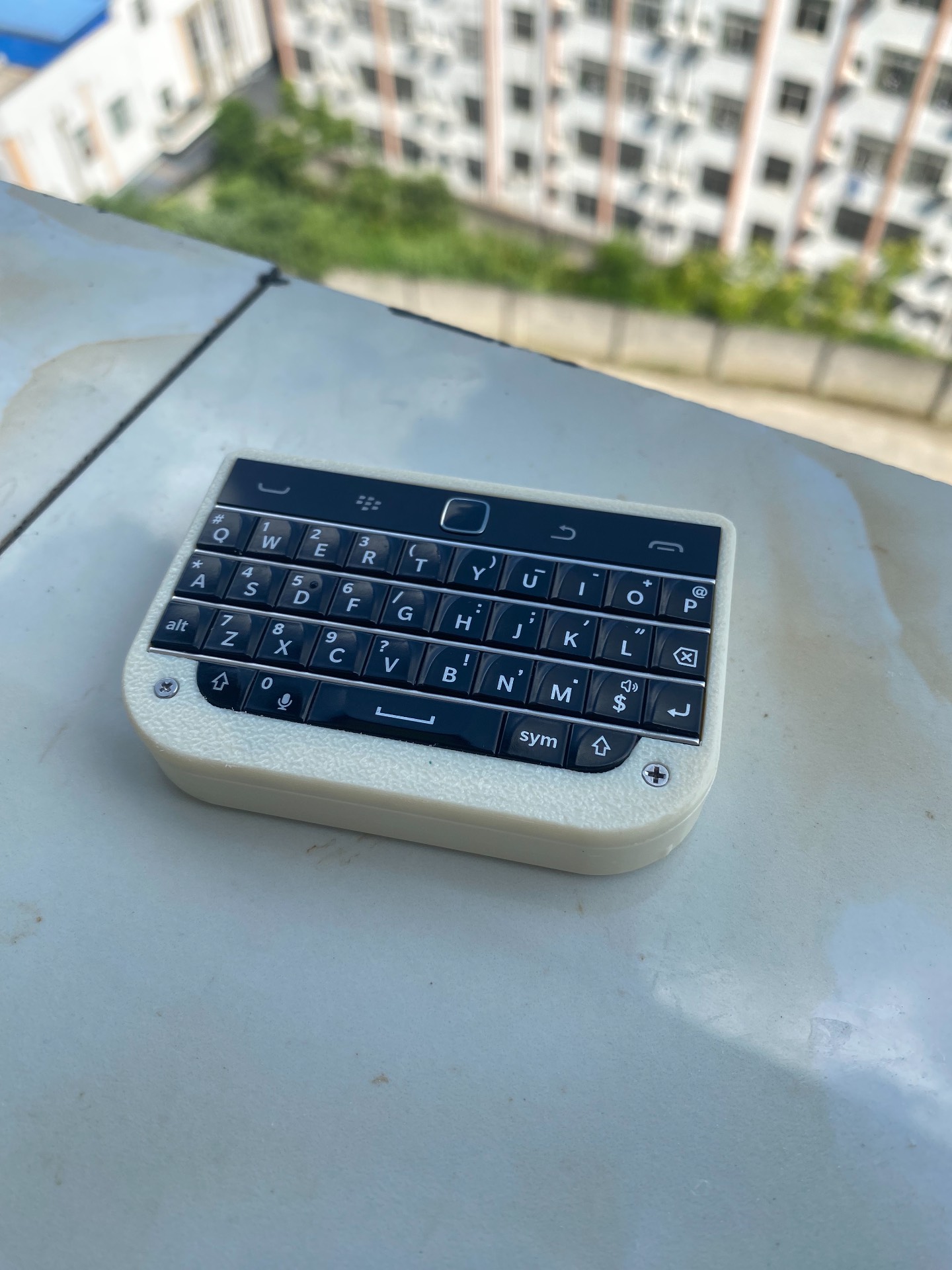
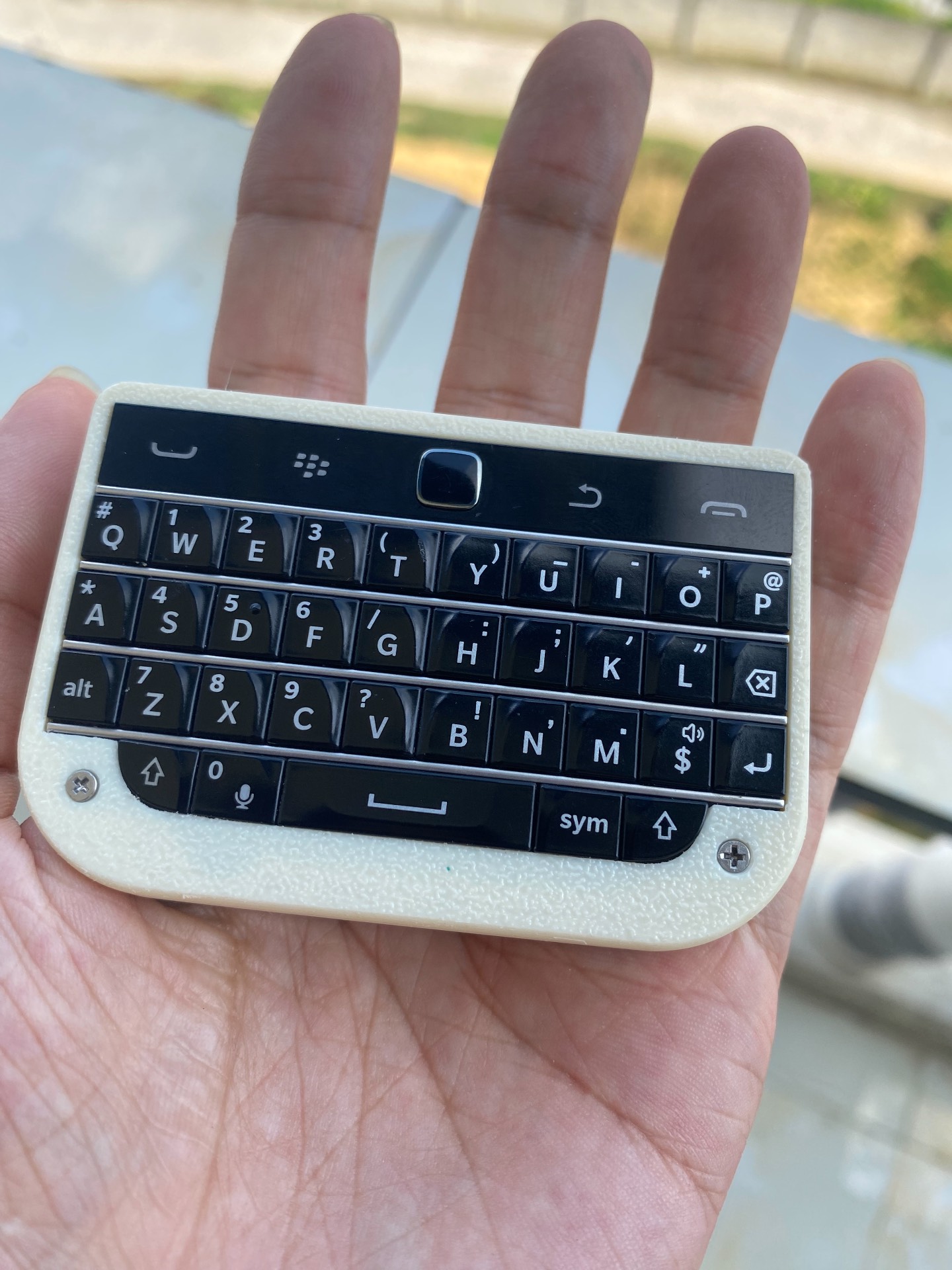
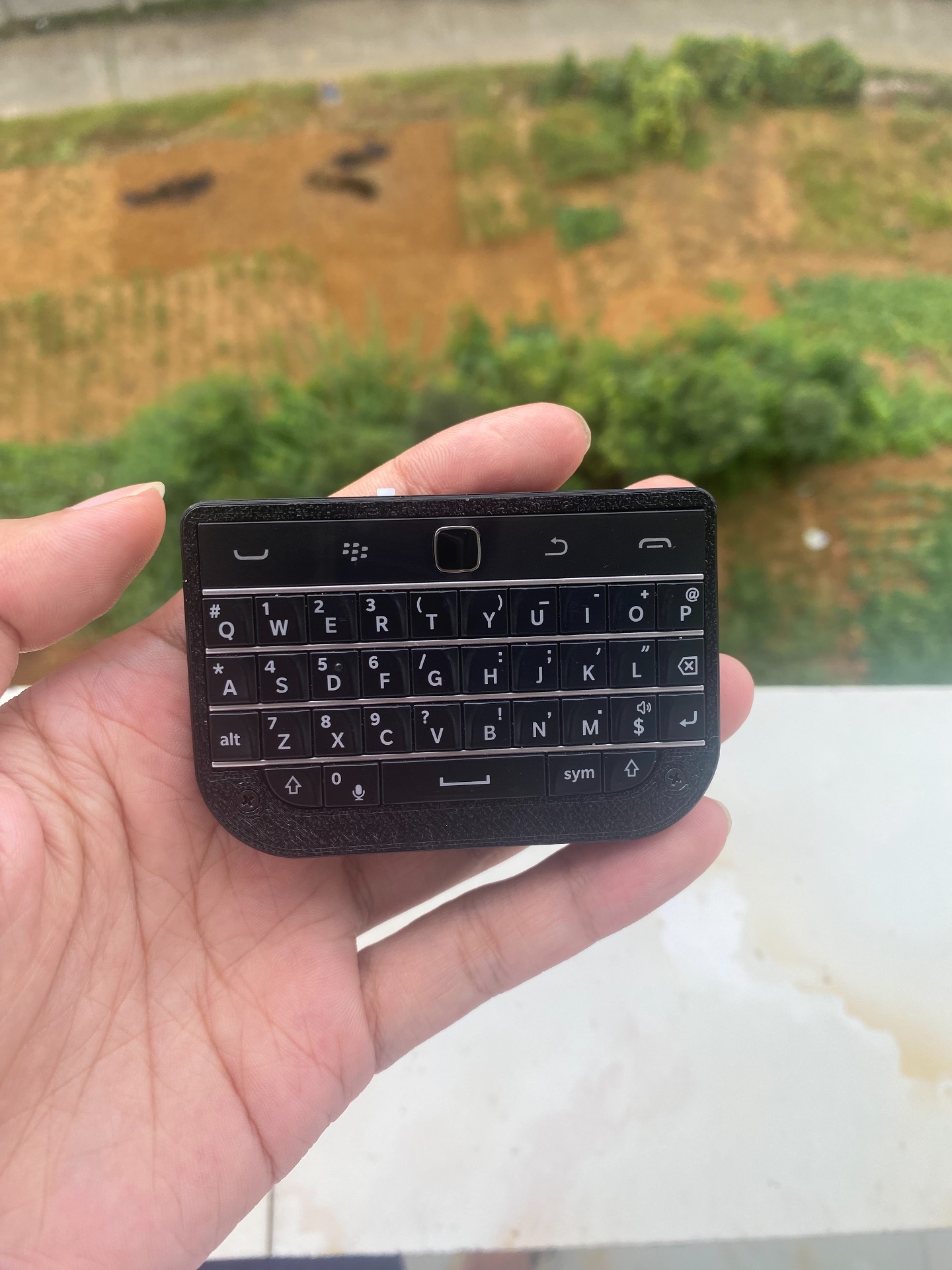
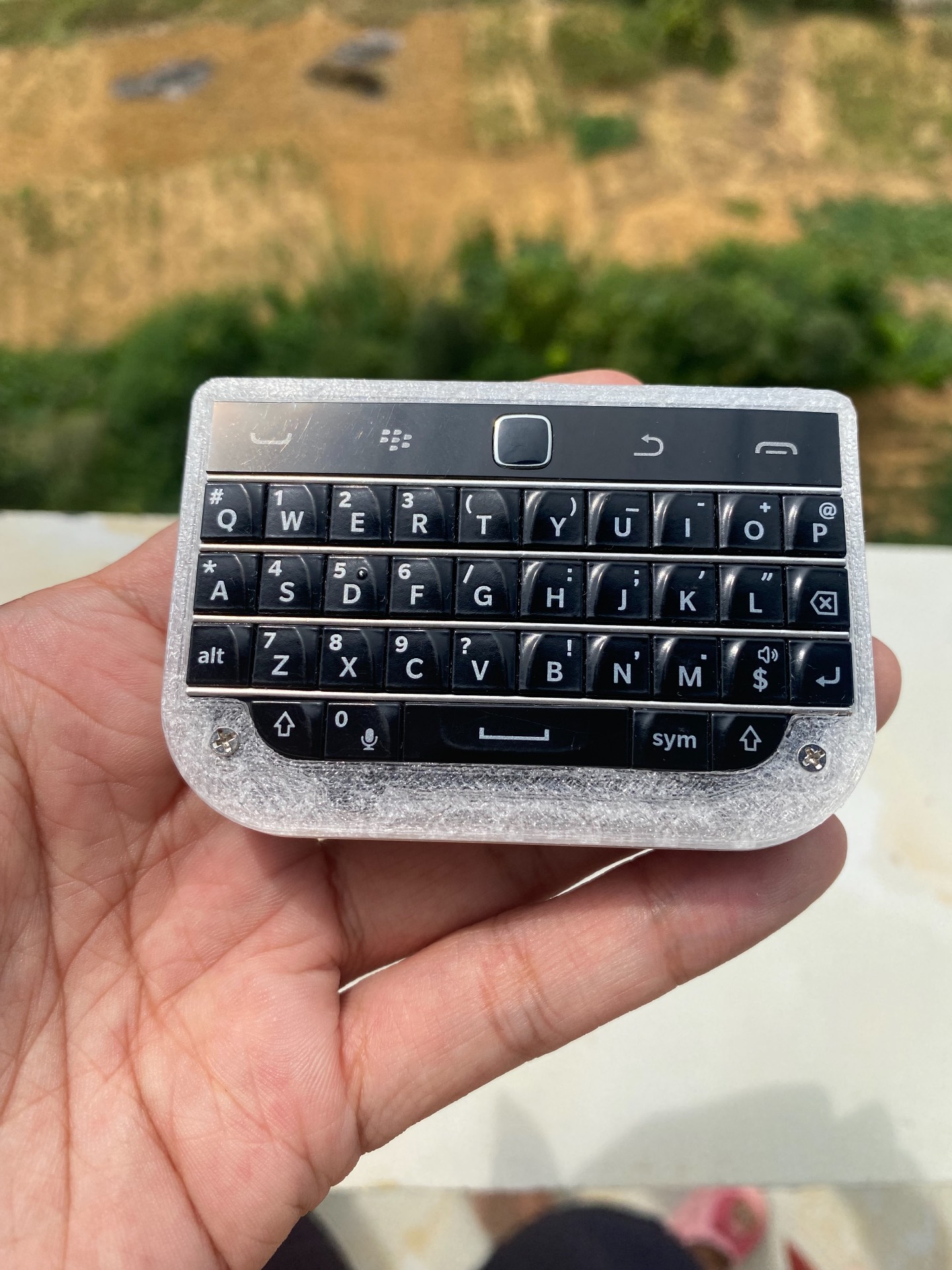
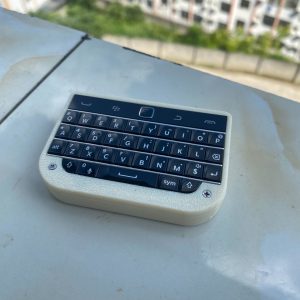
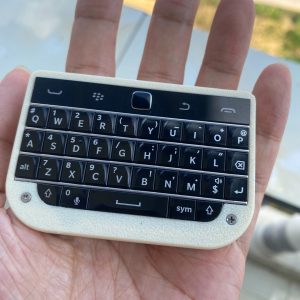
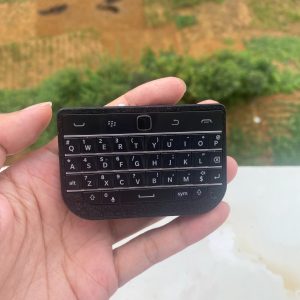
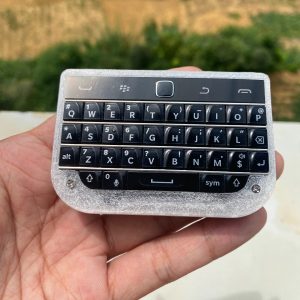
BBQ20KBD Mini BlackBerry-Style Keyboard – Black
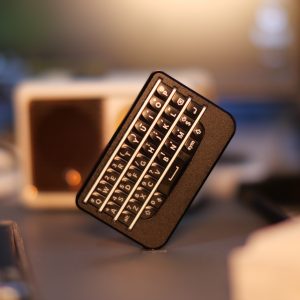
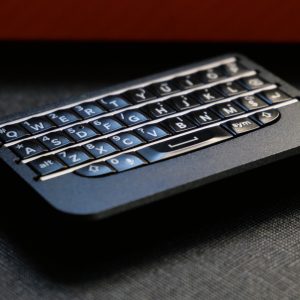
BBQ20KBD is the best overall starting point for most BBKeyboard buyers. It keeps the familiar Q20-style full keyboard feel, adds Bluetooth and USB-C dual-mode connectivity, and includes a center touch surface for pointer movement, scrolling, and left-clicking. This product is now sold as the black-frame model only.
Product Concept
BBQ20KBD is designed for people who miss the feel of physical BlackBerry-style keys, but want to use them with modern phones, tablets, computers, handheld PCs, TV boxes, or desktop setups.
It is a standalone mini keyboard accessory. It is not a smartphone, and it is not a phone case. You can use it wirelessly over Bluetooth, or connect it by USB-C for wired keyboard mode.
Why Choose BBQ20KBD?
- Classic full QWERTY layout for tactile thumb typing.
- Center touch surface supports pointer movement, scrolling, and left-clicking.
- Bluetooth wireless mode plus USB-C wired mode.
- Pair up to 4 Bluetooth devices and switch between them.
- 600 mAh battery with smart backlight behavior.
- SYM key and function layers work normally.
- Runs customized ZMK open-source firmware for key behavior and remapping.
- Black frame only, no variation selector.
Charging And Connection
BBQ20KBD charges through the USB-C port. You can use it in wired USB-C mode while charging, or use it wirelessly over Bluetooth after it has enough battery.
- Use Bluetooth when you want a clean wireless setup.
- Use USB-C when you want a stable wired keyboard connection.
- The built-in battery capacity is 600 mAh.
- The keyboard supports pairing with up to 4 Bluetooth devices.
What’s Included
- 1 x BBQ20KBD keyboard unit with black frame/shell installed.
The product is sold as the keyboard unit. A phone, phone case, and other devices shown in photos are for demonstration only and are not included. Use a standard USB-C cable for charging and wired USB-C keyboard mode.
Bottom Switch And Port Layout
The small part on the bottom side is the physical power switch on the keyboard body. The USB-C port is used for charging and wired keyboard mode.
Who It Fits Best
- Buyers who want the most balanced BBKeyboard model before comparing niche versions.
- People who prefer the BlackBerry Q20-style full keyboard layout.
- Users who need a compact keyboard for phone, tablet, laptop, handheld PC, TV box, or desktop switching.
- Anyone who wants the classic black BBKeyboard look without choosing a color variant.
BBQ20 vs Other BBKeyboard Models
| Model | Best For | Key Difference |
|---|---|---|
| BBQ20KBD | Best overall first choice. | Q20-style full keyboard, center touch surface, black frame. |
| BBQ10KBD | Smaller Q10-style feel. | Lower price and simpler compact layout. |
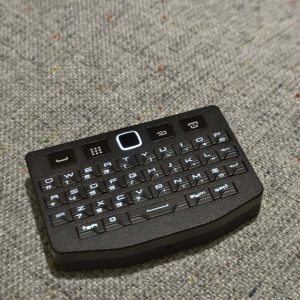
| BBP9981KBD Pro | P9981-style layout with center touch control. | CNC-milled aluminum front shell; product specifications list 10 cursor-speed levels. |
| BBP9981KBD Lite | P9981-style keyboard without touchpad. | Lower cost P9981-style option. |
Setup And Compatibility
BBQ20KBD works as a keyboard accessory for devices that support Bluetooth keyboard input or USB keyboard input. It is useful for messaging, search, commands, shortcuts, note taking, remote control, and compact desk setups.
- Use Bluetooth when you want a clean wireless setup.
- Use USB-C when you want a stable wired connection.
- Use the multi-device pairing workflow if you move between several screens during the day.
Before Ordering
- This is a compact keyboard accessory, not a smartphone.
- It is not a phone case and does not include a phone case.
- The current BBQ20KBD listing is the black-frame version only.
- The frame is partly hand-assembled; small cosmetic variation can exist, but the keyboard is tested for function.
- If you prefer a P9981-style layout and CNC-milled aluminum front shell, compare BBP9981KBD Pro. It also uses a separate center touchpad for pointer control.
- If you want the lowest-price Q-style model, compare BBQ10KBD.
FAQ
Is BBQ20KBD a good first BBKeyboard?
For most buyers, yes. It has the broadest balance of classic layout, wireless and wired modes, multi-device switching, black-frame styling, and price.
How do I charge BBQ20KBD?
BBQ20KBD charges through the USB-C port.
Can I use it while charging?
Yes. You can use it in wired USB-C mode while charging, or use it wirelessly over Bluetooth after it has enough battery.
Does BBQ20KBD have touchpad control?
Yes. Move a finger on its center touch surface to control the pointer, use Caps Lock mode to scroll, and press the center for a left click.
Does BBQ20KBD support USB-C and Bluetooth?
Yes. It supports Bluetooth wireless mode and USB-C wired mode.
How many devices can it pair with?
It can pair with up to 4 Bluetooth devices.
Does BBQ20KBD come with a phone case?
No. BBQ20KBD is a standalone keyboard accessory. It does not include a phone case.
Does it include a phone?
No. The product includes the keyboard unit only. A phone is not included.
Does it include a USB-C cable?
The package is listed as the BBQ20KBD keyboard unit. Please use a standard USB-C cable for charging and wired USB-C keyboard mode.
What is the small part on the bottom side?
It is the physical power switch on the keyboard body.
Which color is available?
BBQ20KBD is now sold as Black only.


Reviews
There are no reviews yet.