Short answer
The Best Minimalist Phones With Keyboards matters because the physical keyboard category is no longer only about old phones. The useful modern version is a small, portable input device that can pair with the phone, tablet, or computer you already use.
What the revival means
- People still want tactile feedback for deliberate typing.
- Large screens make external input more useful than it was on tiny phones.
- Bluetooth and USB-C let one keyboard serve several devices.
- Layers, shortcuts, and pointer options make the category more flexible.
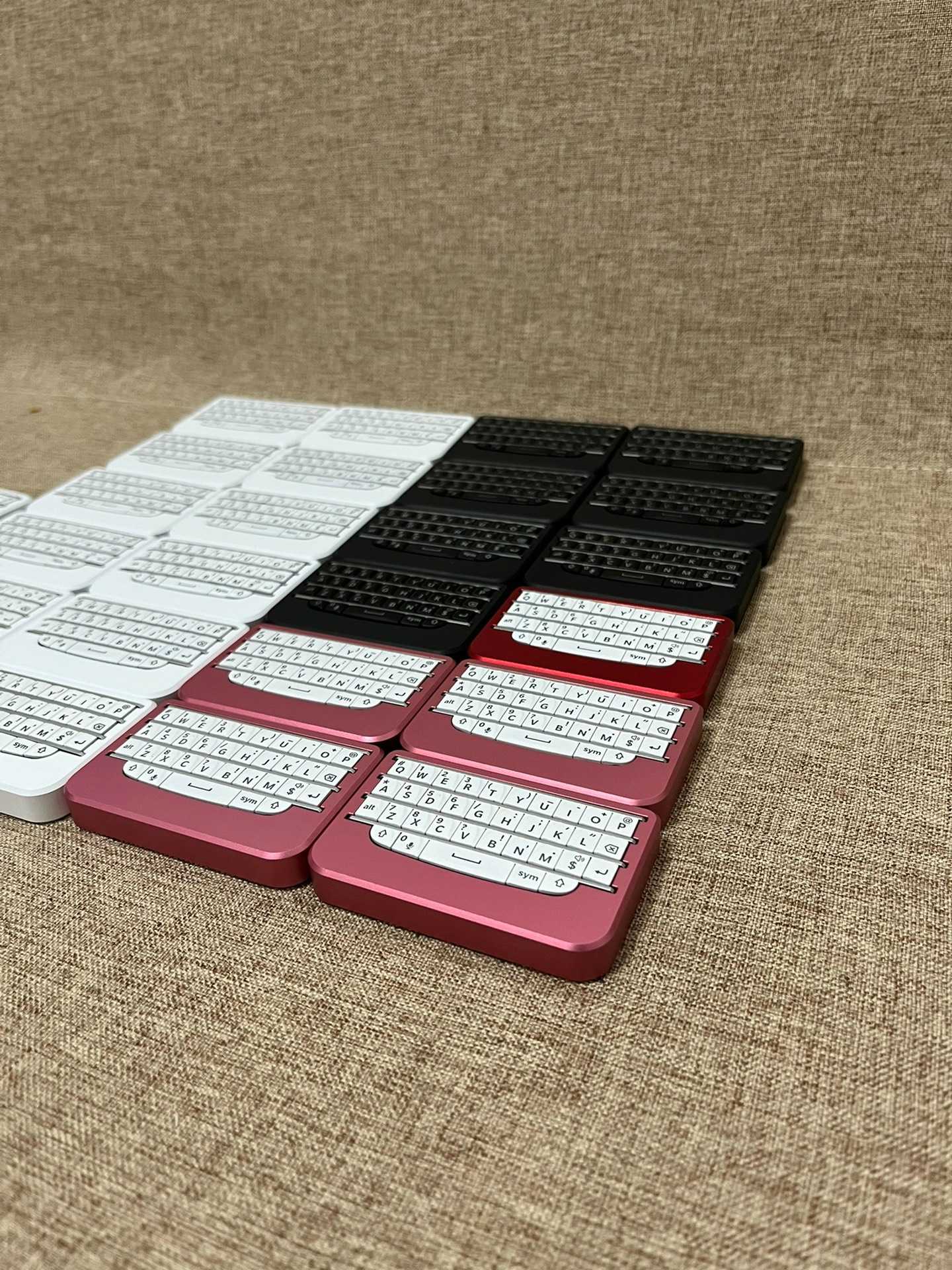
BBKeyboard model map
| Model | Best fit | Start here |
|---|---|---|
| BBQ10KBD | Compact phone-first thumb typing | View BBQ10KBD |
| BBQ20KBD | Backlit productivity, USB-C fallback, and multi-device work | View BBQ20KBD |
| BBP9981KBD Lite | Premium keyboard-only P9981-style typing | View Lite |
| BBP9981KBD Pro | Premium keyboard plus pointer control | View Pro |
How to use this guide
Use The Best Minimalist Phones With Keyboards as a practical decision page. Start with the device and app, then check the typing task, connection path, portability need, and support expectations. A model that is perfect for quick phone notes may not be the right model for tablet email, travel writing, desk navigation, or firmware-heavy shortcuts.
For a clean path through the site, compare the buyer guide, the setup guide, and the Q10 vs Q20 vs P9981 model guide. Those pages connect broad questions to current product choices.
Quick recommendation
Start with BBQ20KBD for the safest all-round option. Choose BBQ10KBD when pocketable typing matters most. Choose BBP9981KBD Lite for premium keyboard-only feel. Choose BBP9981KBD Pro when pointer control is part of the workflow.
Compare all current options in the BBKeyboard shop.
Old phone versus modern keyboard
Buying an old physical-keyboard phone can be fun, but it also ties the keyboard to aging hardware, old batteries, old radios, and limited app support. A modern standalone keyboard keeps the tactile part while letting the main device stay current. That is the practical reason this category keeps returning.
Who should care
Writers, email-heavy users, travelers, mobile admins, and people who dislike screen keyboards are the most likely audience. If the goal is only occasional nostalgia, software may be enough. If the goal is daily text entry, a dedicated BBKeyboard model is easier to justify.
Read the use cases guide and the BBKeyboard explainer for the larger category view.
Final checklist
- Match the answer to the real device and app.
- Compare the current BBKeyboard models before choosing.
- Use setup and troubleshooting pages when the task becomes practical.
- Prefer a clear workflow fit over vague accessory advice.
The safest decision is to test the real workflow: pair the keyboard, type in the main app, compare the model features, and choose the option that removes friction. That keeps The Best Minimalist Phones With Keyboards tied to a practical result instead of a generic accessory answer.

